How to Design Email Validation Rules for B2B Workflows
A practical guide to designing email validation rules for B2B workflows. Learn how clear allow, review, and block decisions improve data quality and system consistency.

Introduction
Email validation is often implemented as a set of checks.
Teams usually look at syntax, domain validity, and SMTP responses.
These checks are useful.
But they don’t answer the most important question:
What should actually happen to this email?
If you want to go deeper into this, we’ve covered it in more detail in Why Email Validation Fails Without Clear Decision Rules.
Why rules matter more than checks
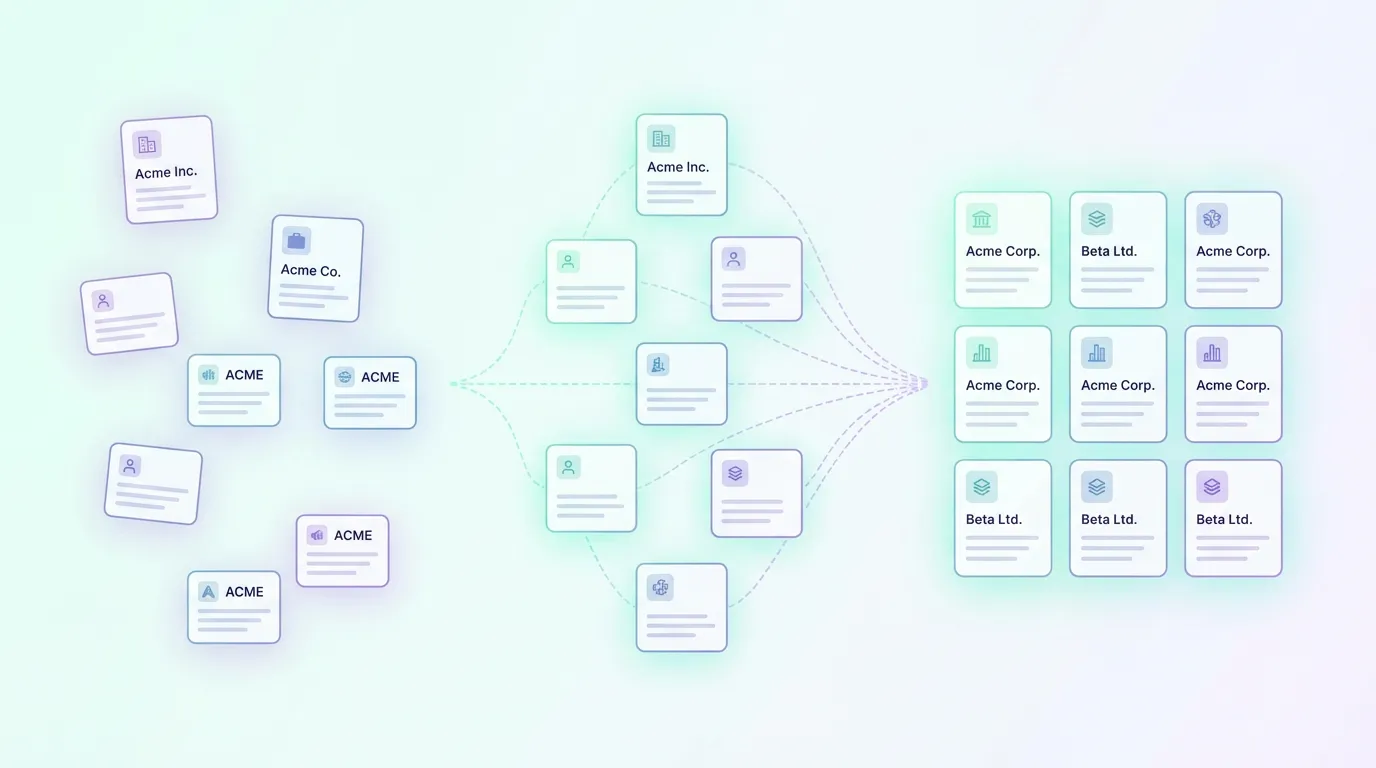
Validation checks produce signals.
But signals alone don’t create consistency.
Without rules, teams interpret the same signals differently:
- one system accepts the email
- another flags it
- a third ignores it entirely
Over time, this leads to inconsistent data and fragmented workflows.
Validation works best when it is treated as part of a broader clean data workflow, rather than as an isolated step. This is something we explore in more detail in How Email Validation Fits into Clean Data Workflows.
Clear validation rules help turn signals into consistent decisions across systems.
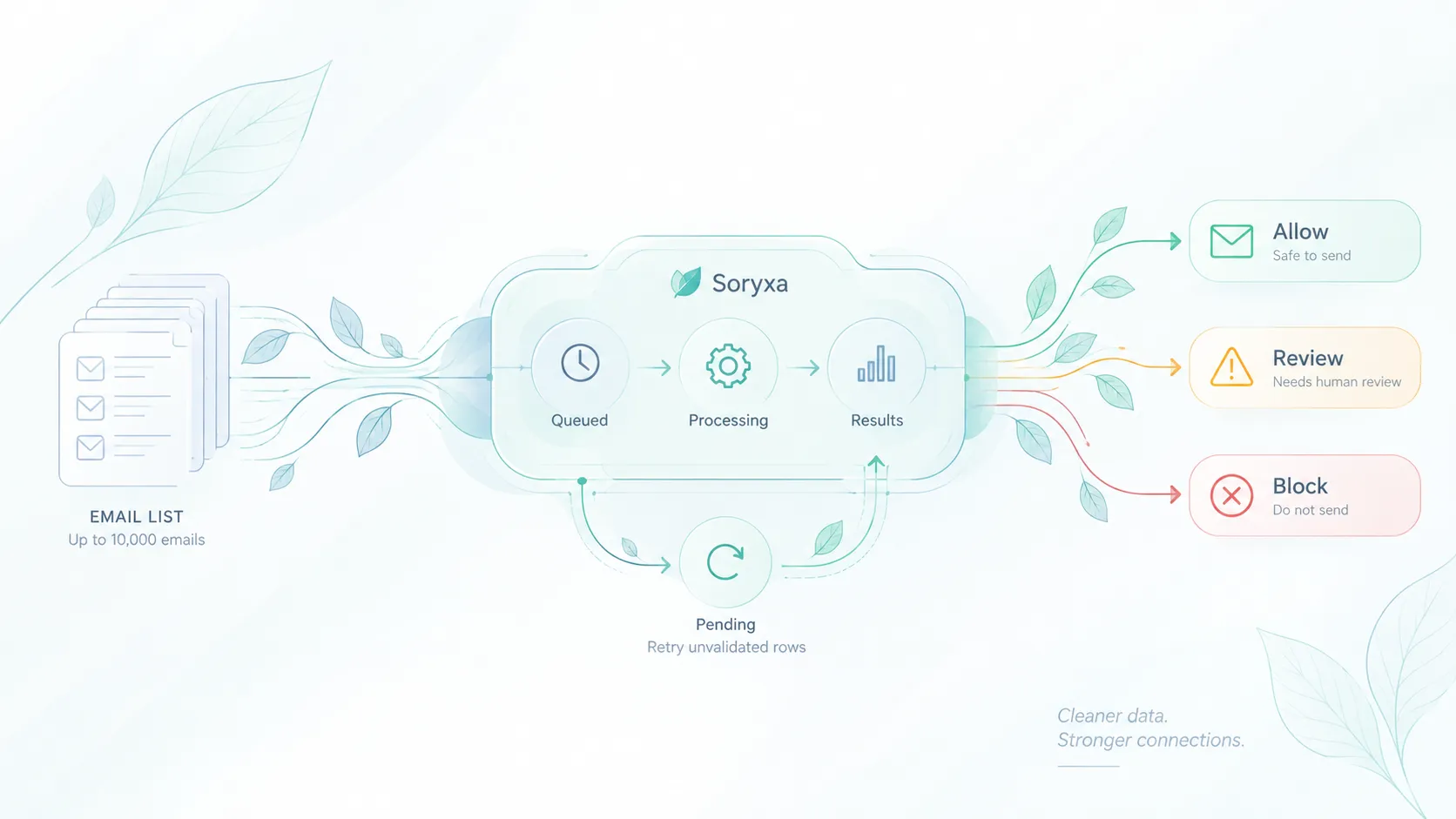
They define what gets:
- allowed
- reviewed
- blocked
This makes validation predictable.
Start with your workflow, not the checks
Before defining rules, understand where validation happens.
In most B2B systems, email enters through:
- product signups
- lead forms
- integrations and imports
- internal tools
Each entry point may have different tolerance levels.
For example:
- a product signup may allow more flexibility
- a sales workflow may require stricter validation
The goal is not to apply the same level of strictness everywhere.
It is to make sure the underlying logic stays consistent.
Define your decision categories
A simple and effective structure is:
Allow
Emails that meet your quality standards and can enter the system without friction.
Review
Emails that may be valid but require additional verification or caution.
Block
Emails that clearly do not fit your criteria and should not enter the system.
This structure removes ambiguity and gives teams a shared language.
Define rules based on real B2B constraints
1. Disposable email detection
Disposable emails are often used to bypass signup restrictions.
In most B2B workflows:
- disposable emails → block
However, some teams may choose to:
- review instead of block in early-stage funnels
2. Free email providers
Emails from providers like Gmail or Yahoo can be valid, but context matters.
In B2B workflows:
- free providers → review or block
Depending on:
- your ICP
- whether you require company affiliation
3. Role-based accounts
Addresses like:
- info@
- support@
- sales@
These are often not tied to a specific person.
Typical approaches:
- allow for initial contact
- review for qualification workflows
4. Syntax and domain validity
Basic checks should always be enforced:
- valid email format
- domain exists and is reachable
These usually fall under:
- allow if valid
- block if clearly invalid
5. Risk or confidence scoring
Some validation systems provide a score.
This can be used to define thresholds:
- high score → allow
- medium score → review
- low score → block
Scoring helps handle edge cases without hardcoding every rule.
Combine rules into a decision system
Individual checks are not enough.
The value comes from combining them into a consistent rule set.
For example, a free email with a low confidence score might be flagged for review, while a role-based email from a verified domain could still be allowed for initial contact.
A typical rule set might look like this:
disposable email → block
free provider + low score → review
role account + high score → allow
The goal is not to handle every edge case perfectly.
It is to make decisions more consistent and easier to explain across teams.
Without a consistent rule set, these edge cases often get handled differently across systems, leading to fragmented outcomes. This is something we break down in What Happens When Email Validation Is Inconsistent Across Systems.
Make rules transparent and explainable
In practice, validation often becomes a black box.
That’s where problems start.
Teams need to understand:
- why an email was allowed
- why it was blocked
- why it requires review
Clear reasoning improves:
- trust in the system
- alignment between teams
- ability to refine rules over time
Keep rules centralized
One of the most common issues is rule fragmentation.
Different systems apply different logic.
Over time:
- validation drifts
- decisions conflict
- data quality degrades
Centralizing validation rules helps ensure:
- consistent decisions across systems
- easier updates
- clearer ownership
Where Soryxa fits
Soryxa is designed around decision-based validation.
Instead of returning only signals, it applies configurable rules to produce a clear outcome:
- allow
- review
- block
Teams can define:
- disposable handling
- free provider policies
- role account rules
- score thresholds
- allow and block lists
Once configured, the same rules apply across all systems through a single API.
This removes ambiguity and keeps validation consistent.
Validation rules evolve over time
No rule set is perfect from the start.
As your workflows grow, you may need to:
- adjust thresholds
- refine allow and block lists
- change how edge cases are handled
Validation doesn’t stay static.
As workflows evolve, the rules need to evolve with them.
Final thoughts
Email validation is not just about detecting invalid inputs.
It is about defining what your system accepts.
Clear rules turn validation into a decision layer that teams can rely on.
And over time, that consistency is what keeps systems stable.
In B2B workflows, consistency matters more than strictness.
Reliable systems are built on shared decisions, not just isolated checks.