

Lead Routing

Turn lead intake into clear CRM routing rules

Use verified company domains, firmographic context, and email validation decisions to decide where each lead should go before it reaches a rep.

Official domains Confidence scored Policy driven CRM ready

Routing policy preview

One lead record evaluated against your CRM routing policy.

Company

Acme Systems

Domain

acmesystems.com

Score

92 High

Final route

Enterprise Owner

Condition

Verified

Domain confidence

is high (>= 85)

Action

Assign to matching account owner

Condition

Matched

Firmographic fit

meets target segment

Source product

Elvesora Enrichment Logo Elvesora Enrichment

Action

Route to segment queue

Condition

Review

Email decision

requires review

Action

Create review task

Condition

Hold

Email decision

is block

Action

Hold before outreach

Implementation path

Move from raw intake to policy-driven CRM routing

Keep assignment logic predictable by resolving the company, adding route fields, checking email quality, and writing a clear CRM outcome.

2

Resolve company

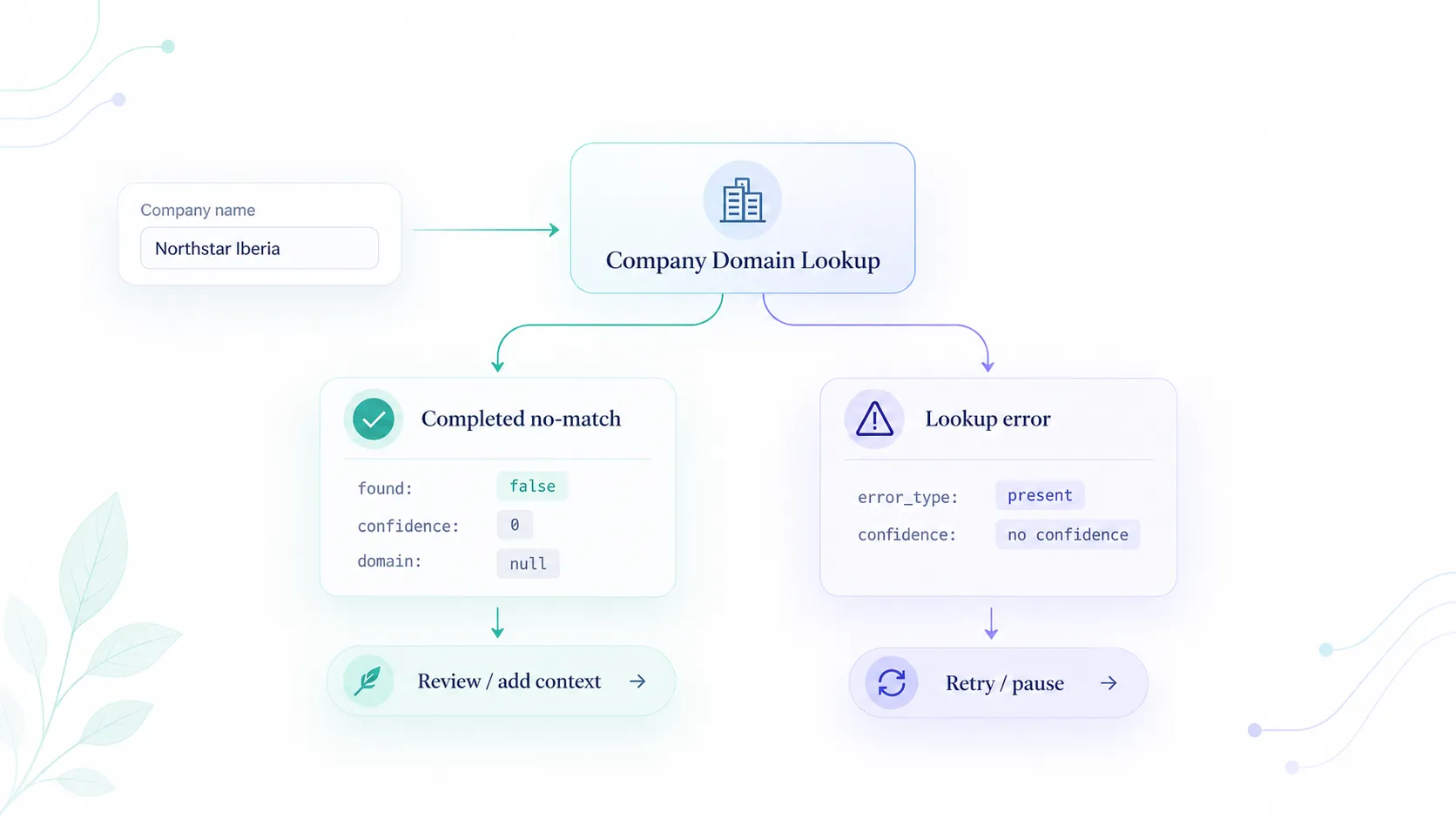
Use Company Domain Lookup to resolve the company name to an official domain with a confidence score.

See domain lookup API
3

Enrich route fields

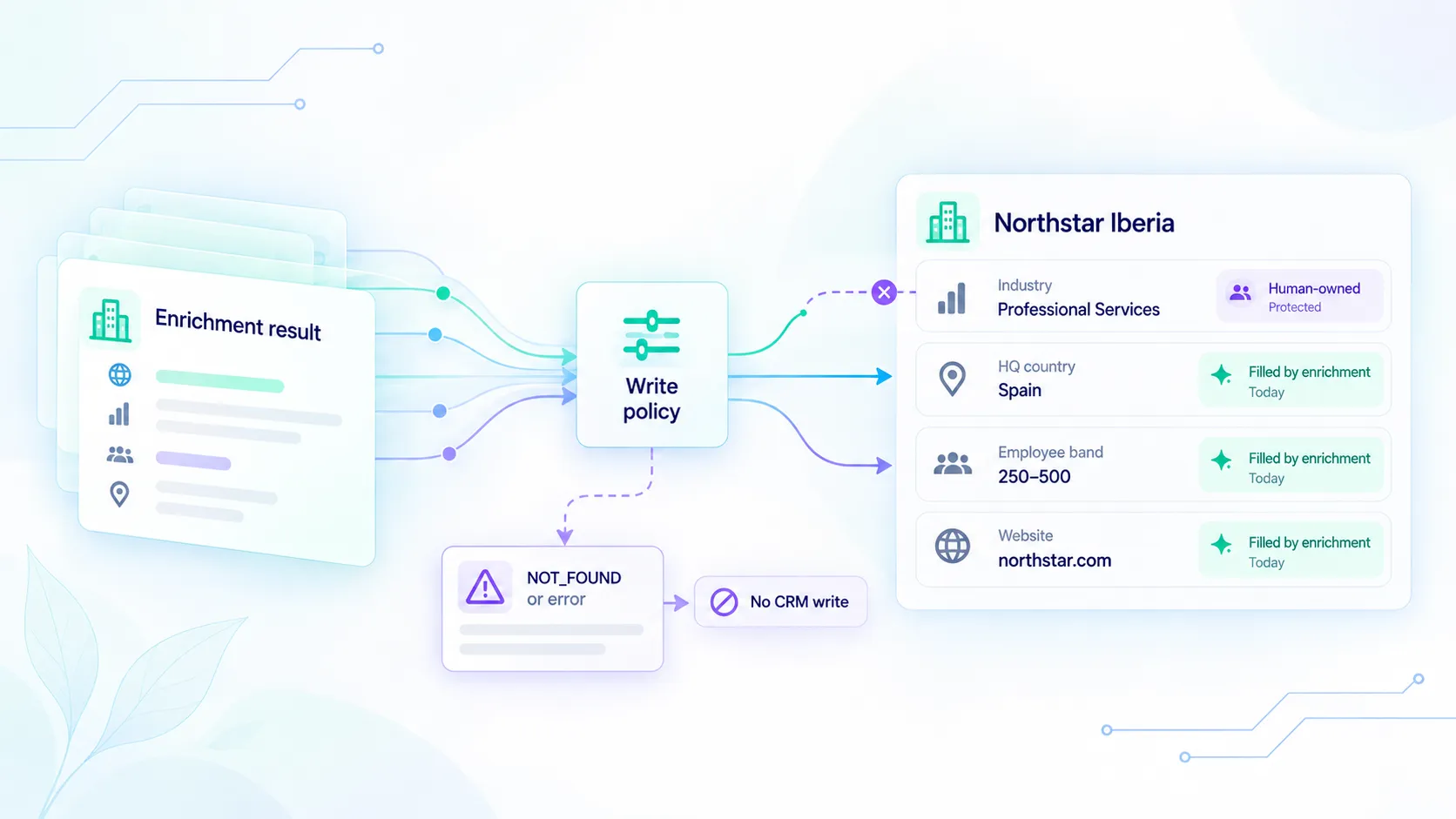
Add firmographics and headquarters context with Elvesora Enrichment to improve routing accuracy.

See enrichment API
4

Apply CRM policy

Apply routing policy using combined domain, firmographic, and email validation signals.

See Soryxa rules
Boundary: Elvesora uses company-level data and email validation signals only. It does not provide personal profiles, private contact data, or prospect lists.

Ready to implement this workflow?

Test the APIs that support lead routing and move the first broken intake step into a clearer CRM policy path.

Company Domain Lookup | Elvesora Enrichment | Soryxa Email Validation API

Frequently asked questions

Related blog posts

Support this workflow with implementation ideas, product detail, and SEO-focused guidance from the blog.