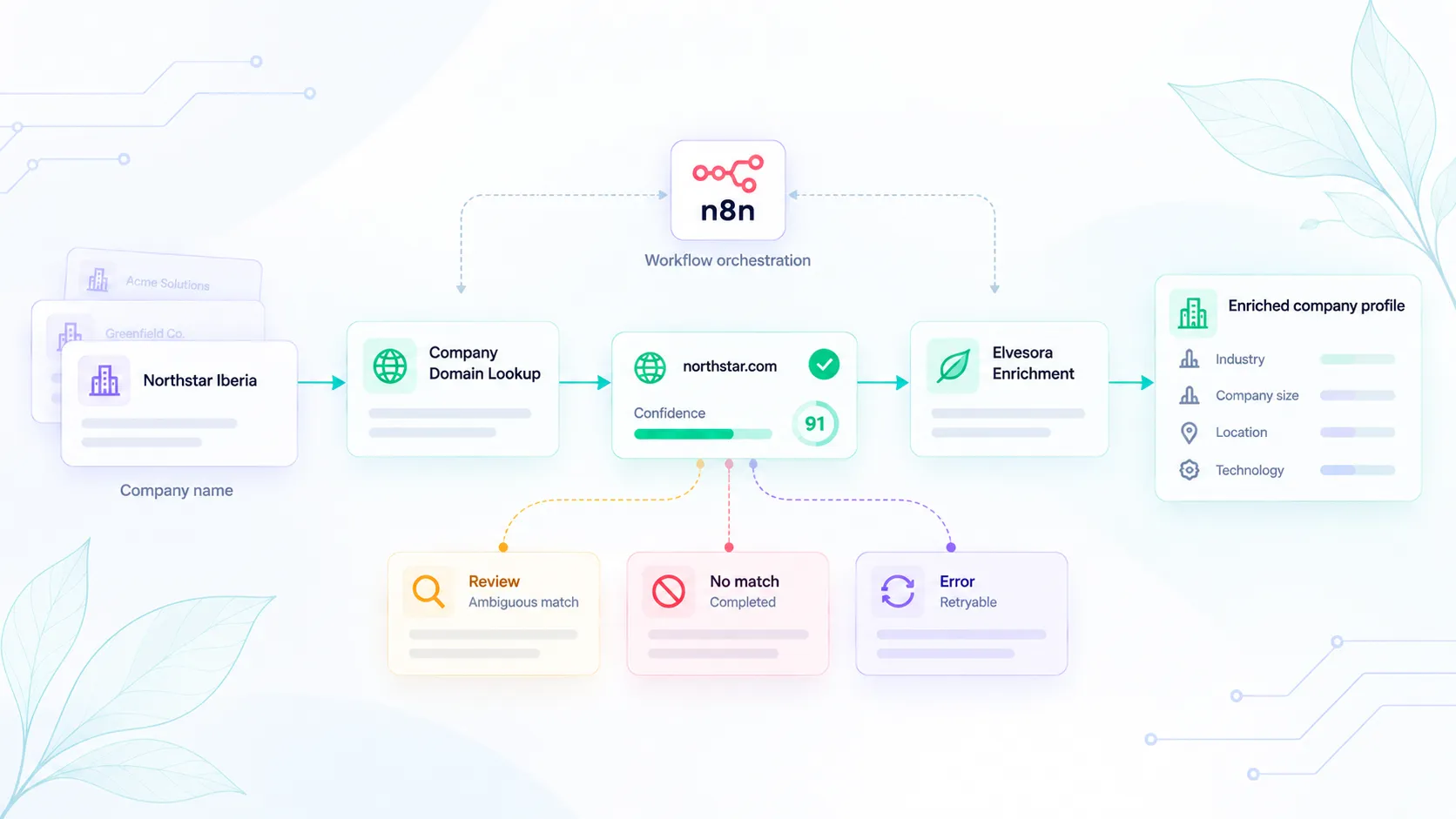
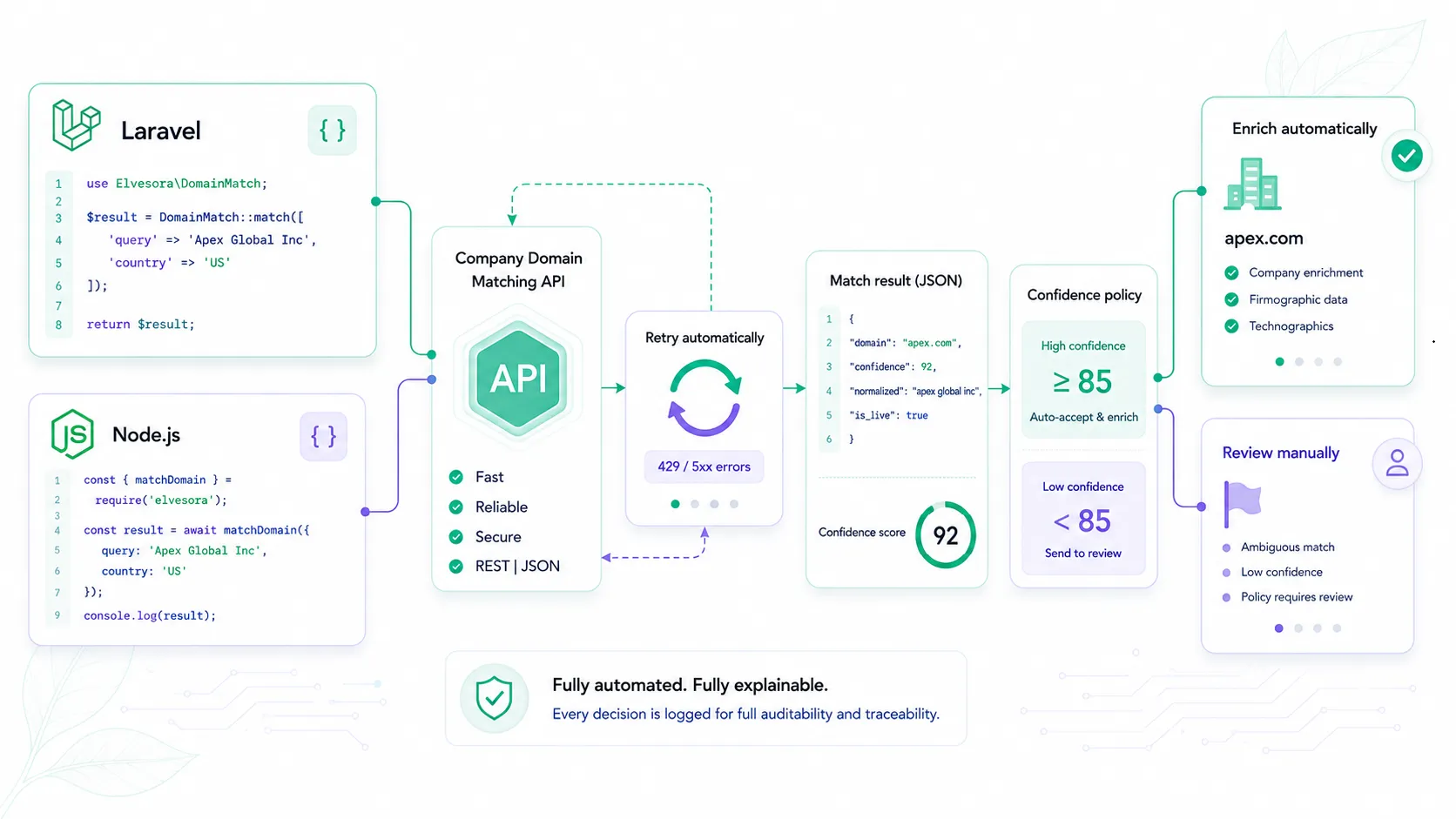
Elvesora Enrichment Workflows

Add verified company context before downstream automation breaks

Use Elvesora Enrichment to turn thin company records into CRM-ready profiles with firmographics, headquarters context, public business links, and fields teams can use for routing, segmentation, and reporting.

API automation

Enrich at record intake

Append company context when forms, integrations, or CRM jobs create or update account records.

One-time list processing

Complete imported account lists

Process CRM exports, spreadsheet backfills, and operator-reviewed cleanup batches without turning the page into a manual research task.

Scheduled refresh

Keep profile fields current

Refresh high-value accounts before segmentation, scoring, ownership, or reporting depends on stale company fields.

Where enrichment changes the workflow

Run enrichment after the company identity is known, then use returned company fields where routing, segmentation, scoring, or account reporting needs better context.

New account intake

Input
Business domain, or a CRM account whose company name has already been resolved to a domain
Enrichment decision
Enrich the company profile with firmographics, headquarters context, descriptions, and public links.
CRM action
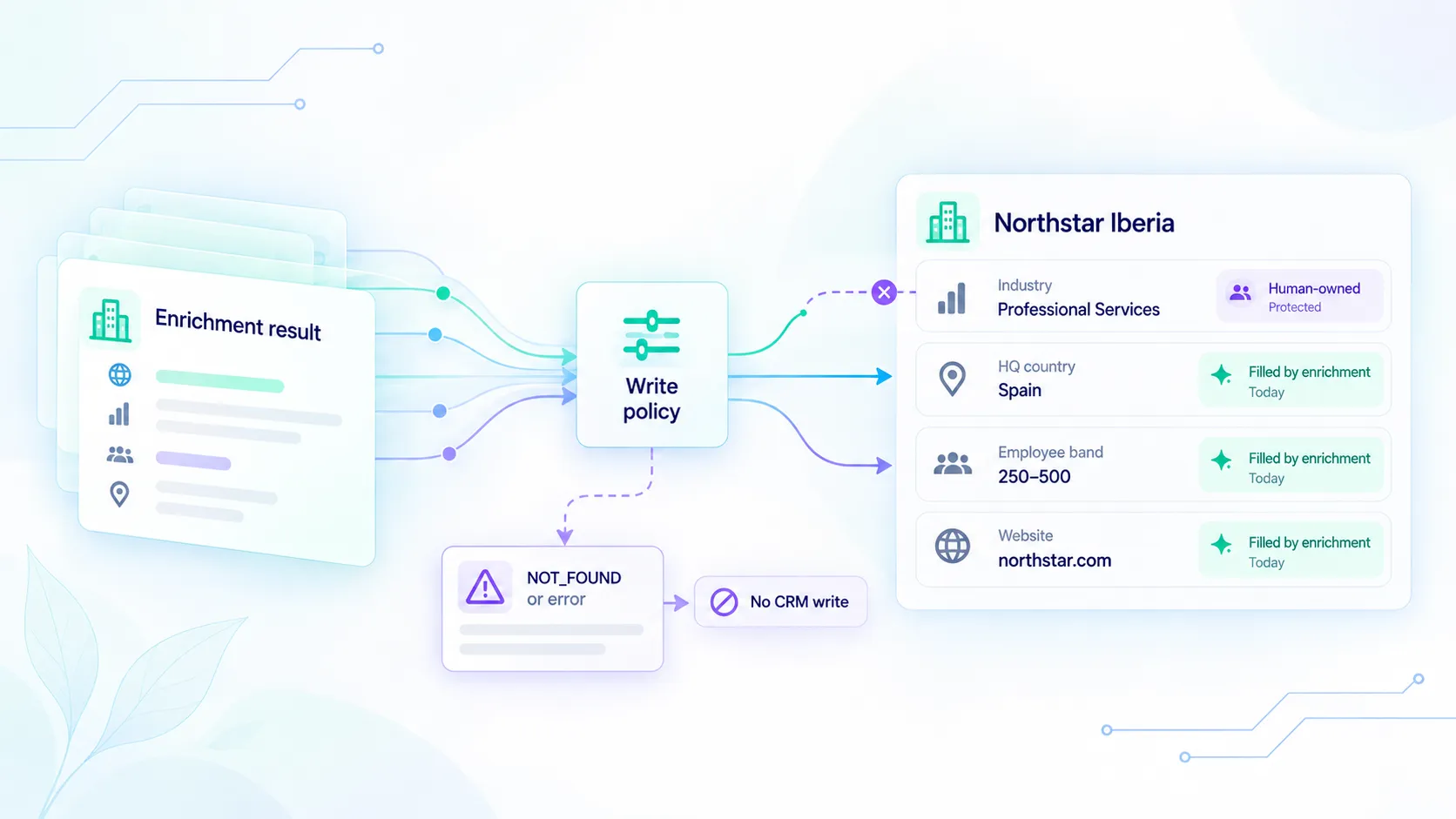
Write approved company-level fields to the CRM account record.
Outcome
Sales and operations teams see usable account context before ownership or scoring logic runs.
Imported list cleanup

Input
CSV or CRM export with sparse company fields and inconsistent profile data
Enrichment decision
Process the list through enrichment and keep incomplete or ambiguous rows reviewable.
CRM action
Backfill fields such as industry, size, headquarters, and descriptions.
Outcome
Segmentation and reporting stop relying on blank or manually researched company columns.

Routing refresh

Input
Existing accounts where territory, segment, or scoring logic depends on company context
Enrichment decision
Refresh firmographic fields before the next routing, scoring, or account planning job.
CRM action
Update safe fields and preserve review paths for uncertain changes.
Outcome
Routing and account workflows use current company context instead of old CRM snapshots.

Fields that should drive downstream decisions

Treat enrichment output as workflow input. The most useful fields are the ones your CRM, scoring, and segmentation rules can use without extra interpretation.

Field group

Firmographics

Returned context

Industry, company size, employee range, and company description.

Workflow use

Segment accounts, prioritize fit, and reduce manual research before handoff.

Field group

Headquarters context

Returned context

Country, region, city, and location context where available.

Workflow use

Support territory routing, regional reporting, and location-sensitive account workflows.

Field group

Public business links

Returned context

Company website, public business profiles, and public company contact channels where available.

Workflow use

Give operators and reps reviewable company evidence without storing private contact lists or people profiles.

Field group

CRM-ready fields

Returned context

Structured account-level attributes ready for API or list-processing workflows.

Workflow use

Write predictable fields to CRM records after policy, review, or refresh rules approve them.

Company-level context, not people-data enrichment

Keep the boundary explicit so enrichment is used for account context and workflow automation, not for personal profiles or private contact discovery.

No personal profiles

Elvesora Enrichment focuses on company records, not people records or private profile data.

No email finding

It does not discover employee inboxes, generate contact lists, or infer personal emails.

No lead database

It enriches company records you provide instead of selling prospect lists.

Reviewable CRM writes

Use workflow policy to decide which fields can be auto-written and which rows need review.

Implementation path

Move from thin records to workflow-ready account context

Keep enrichment predictable by anchoring company identity, enriching account-level fields, applying CRM policy, and refreshing important records on a cadence.

1

Anchor identity

Start from a verified business domain. Resolve company-name-only records with Domain Lookup before enrichment.

See domain lookup workflow
2

Enrich company profile

Return firmographics, headquarters context, descriptions, and public company links in a structured response.

See enrichment API
3

Apply CRM policy

Decide which fields can be written automatically, which need review, and which should be left unchanged.

Open CRM hygiene
4

Refresh on cadence

Run enrichment again before important routing, segmentation, or reporting cycles depend on stale fields.

Compare pricing
Boundary: Elvesora Enrichment returns company-level context only. It does not provide personal profiles, private contact data, or prospect lists.

Ready to implement this workflow?

Generate an API key, test Elvesora Enrichment, and use company-level fields before routing, segmentation, or CRM reporting depends on incomplete records.

Elvesora Enrichment API | Firmographic Data API | CRM Hygiene Workflow

Frequently asked questions

Related blog posts

Support this workflow with implementation ideas, product detail, and SEO-focused guidance from the blog.